Running a clinic can feel like managing a busy front desk while trying to care for patients. A virtual medical assistant handles remote admin work such as calls, scheduling, billing support, and chart tasks. This guide covers best use cases, pricing details, EMR support, and fit for different practice needs.
01Assist World — flexible remote support for growing practices
Assist World provides vetted remote assistants for administrative work, patient support, and specialized operations. It fits practices that need flexible help without adding another full-time office role.
Our model starts with the work that slows your team down. That may mean appointment reminders in the morning, inbox support after visits, or a clear handoff for billing tasks. You can assign a defined task list first, then expand the role as your practice gains trust in the workflow.
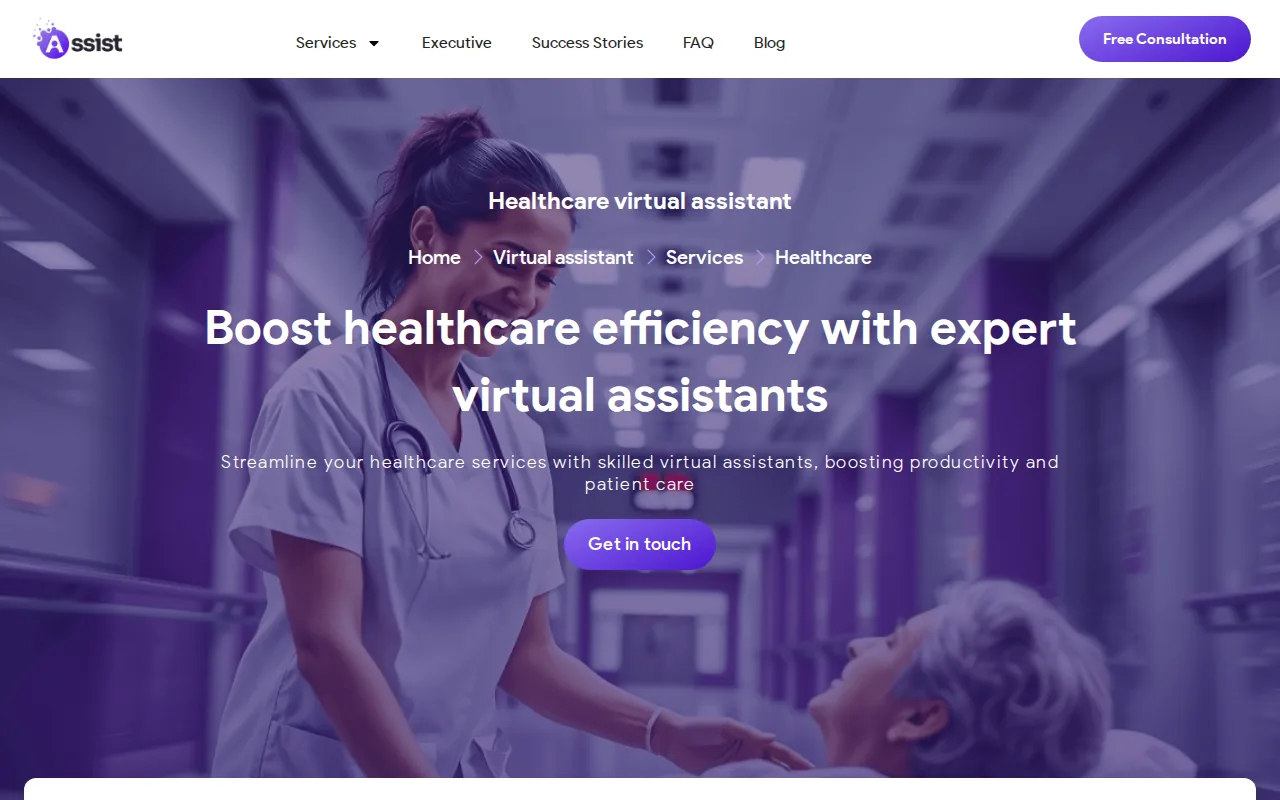
This flexibility helps small and mid-sized practices test support without rebuilding the whole office. It also gives managers one remote person to oversee instead of spreading small tasks across several staff members. Assist World can match a remote assistant to the work your practice needs, rather than forcing every buyer into one fixed package.
Healthcare work still needs strict access rules. Before an assistant sees protected health information, confirm the provider’s training, access controls, secure communication process, and agreement terms. HIPAA’s privacy rule covers protected health information held or transmitted by covered entities and business associates.
Choose Assist World when you want a flexible starting point and a human support model that can grow with your daily workload. For a closer look at role design, see our page on hiring a healthcare virtual assistant.
02MedVA — administrative support with EMR integration
MedVA is aimed at independent practices and small healthcare groups that need help with routine admin work. Its listed focus includes appointment scheduling, insurance verification, and patient follow-up.

The clear advantage is EMR integration. That matters because a remote assistant who cannot work inside the systems your staff already use may add extra handoffs.
Think about a new patient visit. The assistant may help confirm the appointment, check insurance information, and pass the right details into the practice workflow. Your staff should still define which fields the assistant can edit and which actions need review.
Integration claims need a closer check before you sign. Ask which EMR systems are supported, what access level the assistant receives, and how the provider handles training for your specific setup. Only a small share of the reviewed providers openly claimed EMR integration, so this question should be part of every sales call.
MedVA makes the most sense when your main pain is front-office volume inside an established EMR. If your needs cover broader operations, compare the task range and manager support before choosing.
03VirtualCare Assistants — U.S.-based bilingual medical support
VirtualCare Assistants focuses on U.S. practices that need bilingual or medically trained remote support. It is a strong fit for independent practices serving Spanish-speaking patients.

The provider describes support options for different language and medical support needs. Its listed work spans front-desk tasks such as scheduling and phone answering. It also includes clinical support like scribing and remote patient monitoring follow-up. Revenue cycle work includes billing and coding. The provider lists support for eClinicalWorks, Athena, and Practice Fusion.
Pricing information includes a free trial and no long-term contracts. Those terms may suit a practice that wants to test a role before making a larger staffing commitment. Confirm the current rate, schedule, and exact assistant tier during onboarding.
The tradeoff is that more task types require more careful scope control. A bilingual assistant handling patient calls may need a different review process than one supporting chart notes. VirtualCare Assistants is worth a look when language access and medical terminology are both high on your list.
04Hello Rache — affordable scribing and receptionist coverage
Hello Rache is best for practices that mainly need affordable scribing, receptionist coverage, or basic admin help. Its listed rate is a flat $10 to $11 per hour, with no contracts and no setup fees.
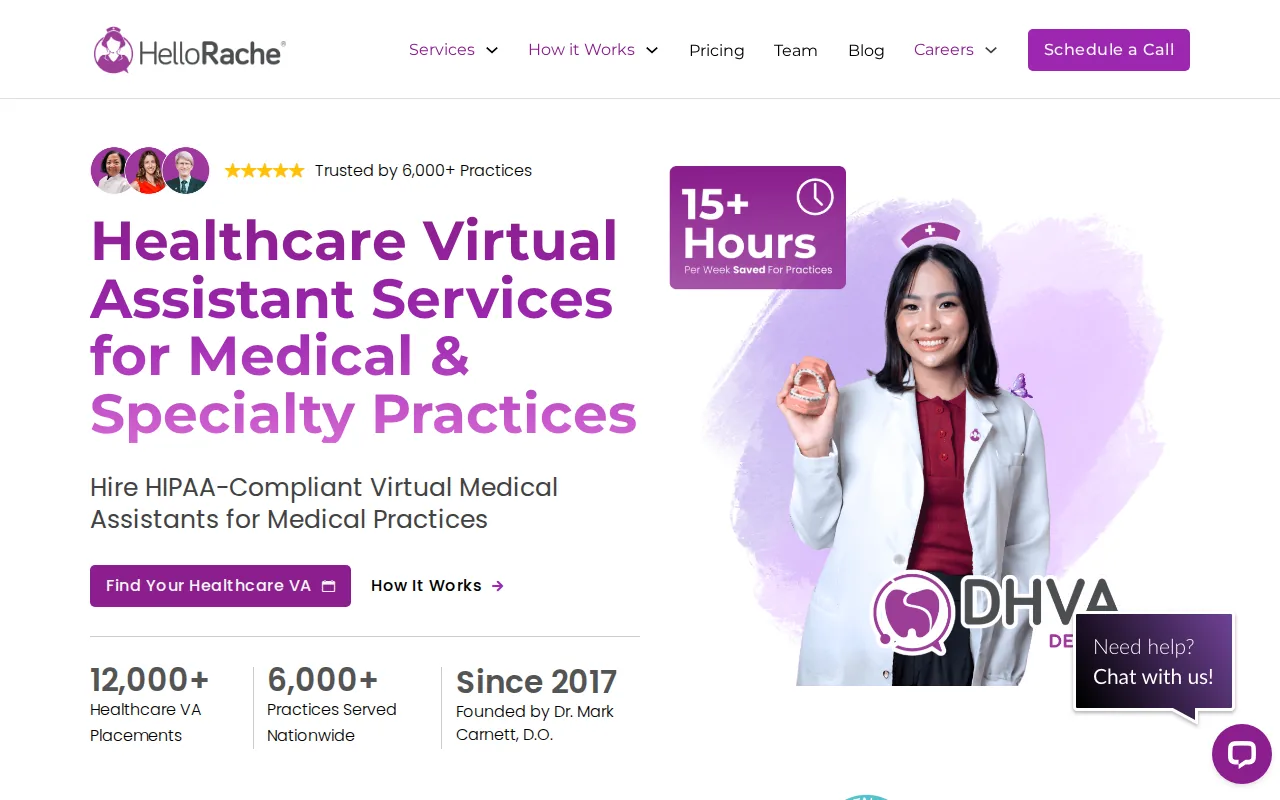
That pricing model is easy to understand. If your biggest issue is chart completion after visits, you can compare the hourly rate with the number of hours your clinicians spend on notes. If the role is mainly receptionist work, track unanswered calls and delayed scheduling before the trial begins.
Hello Rache’s listed focus includes scribing, virtual receptionist work, and basic admin tasks. This narrower fit can be useful — a practice does not always need a person who handles every back-office function. Sometimes the right answer is a reliable handoff for one repeated task.
Do not assume a low hourly rate covers every clinical workflow. Ask about chart systems, note review, time-zone coverage, escalation rules, and the training needed for your specialty. Scribing also needs clear boundaries: the assistant should document what the clinician directs, while the clinician remains responsible for the medical record.
Hello Rache is a usable shortlist pick when scribing is the main bottleneck. It is less suitable if you need one partner to manage a wider revenue cycle program.
05EZ MD Solutions — billing, credentialing, and admin support
EZ MD Solutions is built for practices that want billing, credentialing, and admin support under one provider. It fits buyers who would rather coordinate one service partner than manage separate vendors.

Its listed focus includes virtual assistant services, revenue cycle management, credentialing, and digital marketing. That mix puts it closer to an operations partner than a simple receptionist service. A growing practice may need help with payer work while also keeping routine admin tasks moving.
Billing work deserves a defined process. Start with insurance verification and claim preparation. Then set rules for denial review, payer follow-up, and items that require a manager’s approval. Keep a simple dashboard that shows open claims and aged balances.
Credentialing also has its own timeline and document needs. Ask who owns each submission, how missing documents are flagged, and how status updates reach your team. Marketing support may sound useful, but it should not distract from the tasks that affect patient access or cash flow.
There is no listed price in the research for EZ MD Solutions, so request a scope-based quote. This option is strongest when you need administrative work tied closely to revenue cycle tasks, not only appointment coverage.
06Zanda Health — telemedicine and remote patient follow-up
Zanda Health is aimed at practices expanding telemedicine and digital health workflows. Its listed focus includes virtual visit coordination, telemedicine support, and follow-up for remote patient monitoring.
This makes it different from providers centered on reception or scribing. A remote care workflow needs a clear schedule for patient outreach. It also needs a rule for what happens when a patient does not respond or reports a concern.
For example, the assistant may confirm a virtual visit and check that the patient has the needed visit details. Afterward, the assistant may support a follow-up queue for patients using remote monitoring. Any clinical concern must move to the right licensed team member through a written escalation path.
Ask how Zanda Health fits your existing telehealth tools. Confirm who owns patient messages, how follow-up tasks are logged, and which data the assistant can access. The research does not list a price, so your quote should tie cost to visit volume and follow-up load.
Zanda Health is a better match for digital care coordination than for a practice seeking only basic front-desk relief. If telemedicine is a growing part of your care model, that distinction can save you from buying the wrong type of support.
Key takeaway: The market is split between low-cost hourly support and larger monthly staffing plans. Match the provider to the workflow you need fixed first.
Comparison table: virtual medical assistant services at a glance
The table below compares each option by its strongest use case, pricing detail, and main question to ask before onboarding. Pricing is included only where the research provides it.
| Provider | Best fit | Pricing detail | Ask before signing |
|---|---|---|---|
| Assist World | Flexible remote admin support | Rates available on request | Which assistant matches your task list? |
| MedVA | Small practices using an EMR | — | Which EMR workflows are supported? |
| VirtualCare Assistants | U.S.-based bilingual support | Rates available on request | Which staffing tier fits each task? |
| Hello Rache | Scribing and receptionist coverage | $10–$11/hour | How does chart review work? |
| EZ MD Solutions | Billing and credentialing support | — | Who owns denials and payer follow-up? |
| Zanda Health | Telemedicine and monitoring follow-up | — | What is the escalation process? |
What to check before hiring
Choosing among virtual medical assistant services should start with workflow detail, not a general promise to save time. Write down the tasks you want removed from your staff’s day, then mark which tasks involve protected health information.
- Scope: List the exact duties, systems, hours, and response times.
- Security: Ask about HIPAA training, access limits, secure channels, and business associate terms.
- EMR fit: Confirm the system name and the actions the assistant can take.
- Coverage: Set rules for missed calls, urgent messages, and absences.
- Quality review: Decide who checks notes, claims, and patient records.
- Pricing: Compare hourly, monthly, and per-task costs against the hours you can reclaim.
One research review of 12 providers found no listed automation features. It also found that only two providers gave a simple yes for EMR or EHR integration. That gap is a useful warning.
“Virtual” usually means remote human support, not a system that completes work on its own.
Security deserves the same care as price. HIPAA is a U.S. health privacy framework, not a vague badge. Your vendor still needs to explain its own controls beyond general background material.
Onboarding should begin with a small workflow. Give the assistant a written task map, sample messages, system access rules, and an escalation list. Review the first week of work closely. Then add duties only after the handoff is stable.
Pro tip: Measure the first 30 days with three numbers — hours returned to staff, unresolved patient requests, and tasks needing rework.
Assist World can help if you want to begin with a defined role and adjust the scope as your practice grows. You can review our healthcare virtual assistant staffing options before setting your task list.
FAQ
What does a virtual medical assistant do?
A virtual medical assistant handles remote healthcare support that does not require physical contact with patients. Common duties include appointment scheduling, reminders, insurance checks, patient messages, EMR data entry, billing follow-up, scribing, and chart preparation. The exact role depends on training, access rights, and the workflow your practice assigns.
How much do virtual medical assistant services cost?
Virtual medical assistant services can use hourly rates or monthly plans, and pricing varies by provider and scope. Hourly rates vary among reviewed services. One provider lists monthly plans of $995 for part-time support and $1,895 for full-time support. Ask for a quote tied to hours and duties.
Are virtual medical assistants HIPAA compliant?
Some virtual medical assistant services operate with HIPAA training and security controls, but you must verify the details. Ask about restricted PHI access, secure communication, staff training, business associate terms, and incident handling. A provider’s claim alone does not tell you how its process works inside your practice.
Can a virtual medical assistant work in an EMR?
Some virtual medical assistant services support EMR work, but integration varies by provider and system. MedVA lists EMR integration, while VirtualCare Assistants lists support for eClinicalWorks, Athena, and Practice Fusion. Confirm the exact platform, user permissions, training plan, and review process before access is granted.
Are virtual medical assistants better than on-site staff?
Virtual medical assistants aren’t automatically better than on-site staff. They can reduce office overhead and take repetitive admin work off your local team. They cannot perform physical patient care, room patients, or handle tasks that require a person inside the clinic. The best setup often divides remote admin work from on-site patient contact.
How do I start using a virtual medical assistant?
Start by choosing one workflow with a clear owner and measurable result. Define the tasks, access limits, work hours, escalation rules, and quality checks. Then run a short onboarding period before adding more duties. Assist World can help you match a vetted remote assistant to the first task set you want to move.
Conclusion
Assist World is the best starting point for practices that want flexible remote support without locking every task into one rigid package. Write your first task list, decide what access it needs, and start a free trial with Assist World to test the handoff before expanding the role.
Ready to take admin work off your team’s plate?
Start with one defined task list and a vetted remote assistant — expand the role once the handoff is proven.
Free Consultation